So it seems I spoke too soon in my previous article about how I “Solved My Computer Problems.” I rebooted the computer, was able to blog yesterday, and even got to play a few hours of the awesome game, “Master of Magic.” Everything was going great so I went to sleep around 2AM this morning thinking of giant Stag Beetles crawling around and breathing fire on enemy villages and unsuspecting heroes. But when I woke up and ate breakfast and turned on my computer, I had the exact same loading problem that I had yesterday and the day before! I was really perplexed by the mystery of what was wrong with my computer. And I exhausted most of my ideas on what might be the problem. I had already run and anti-virus scan, I updated most of my drivers except I wasn’t able to update my video card drivers. I also already ran disk cleanup and disk defrag, so I was running out of ideas. Then I got the idea that maybe I could use “System Restore” to restore my computer to a previous state and it was my hope that using a previous system restore point would fix my computer.
Well I ran System Restore and it took about 45 minutes to complete the process on my laptop. And guess what happened? My computer took forever to load and when it finally got to the desktop screen with the sidebar thing, my computer kept accessing my hard drive over and over again. And I wasn’t even able to do something simple like deleting a program shortcut on the desktop. At this point I became frustrated and a bit worried that I was starting to do more damage to my computer than good. So I decided to take my computer down to friends at Device Repair. It was really a bummer having to take my computer in to get fixed. For me, taking a computer into the shop is like having a lung removed so it can be repaired. I can live without it temporarily, but I sure miss it a lot. Right now I am writing this article on my mom’s computer. That’s the cool thing about using WordPress to make a blog. Oftetimes you can write your posts from anywhere that you can jump on the internet. Using someone else’s computer is kind of wierd. You don’t have all your bookmarks, and you have to type in the password for everything. On my computer I have the websites that I use most often loaded onto my Firefox toolbar that is at the top of the browser. Little things like that only speed up the process by a second or so, but when you think about it, adding a bookmark that you use multiple times per internet session into the toolbar can end up saving you several hours over the course of a year or so. It all depends on how much you use the computer.
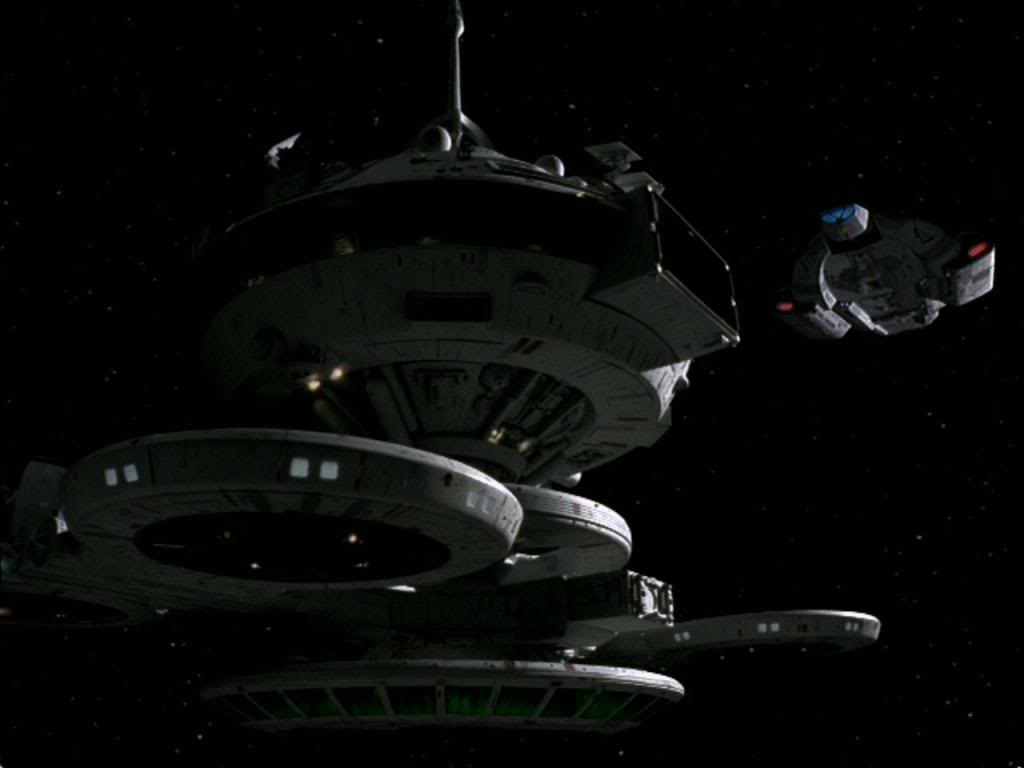
Starbase 375 from Deep Space 9
So something funny and cool happened to me when I went to Starbucks today. I ordered a Venti Iced Caramel Macchiato because it was hot out. And then the cool girl who I know who was the barista asked me how my day was going. I told her that I was kind of bummed out because my computer was having problems. And then she said, “I thought you fixed your computer already?” And then I thought to myself in surprise, “How does she know this? Is she psychic?” But then she said that she read about my computer on my blog. And I thought that that was really cool! I know that I get a lot of people who read this blog around the world, in places like Canada and Australia and The United Kingdom and here in Newport Beach. But it was very fun to have someone know something about me before telling them personally.